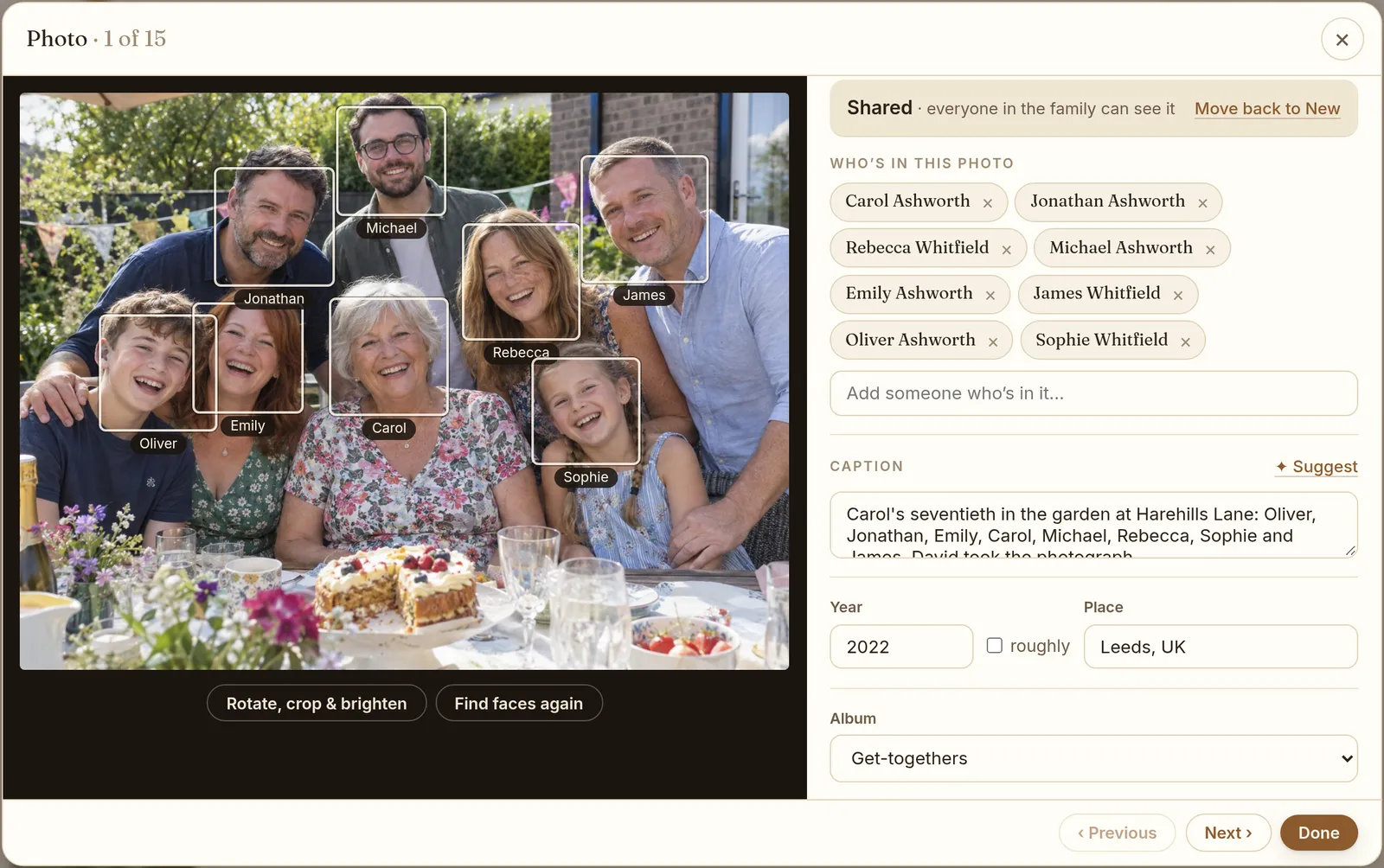
How does face recognition work in Kumbaa?
When a curator adds photos, each one is resized and its faces are found right there in the browser, one photo at a time, with progress as it goes. If one fails, there's a "Try again" for it.
Then you name people. Name your grandfather once and Kumbaa suggests him in the next photos where a similar face appears. In Curate → Faces, its guesses are grouped by person, so you can confirm a whole batch in one go. Faces nobody has named yet are grouped by look-alike, so you name a stranger once rather than forty times.
Are the photos sent somewhere to find the faces?
No. Finding faces happens on your own computer or phone, in the browser, as photos are added. The photos themselves are stored in your family's private archive, which only your members can open. They aren't sent to a separate service to be scanned, and they're never used to train AI models.
What do you get once faces are named?
- Each person's page gathers every photo they're in, from childhood to now.
- The best of those photos becomes their portrait in the tree.
- The full-screen viewer shows who is in each photo underneath it.
- Curate's to-do list shows faces still to name and photos with nobody tagged, so nothing gets forgotten.
This is what turns a pile of scans into something the family can use. A cousin opens her great-aunt's page and sees her at twenty, at her wedding, and holding the cousin's mother as a baby. Nobody had to build that album by hand.
What if a face isn't found?
Small, blurred or turned-away faces can be missed, especially in group photos taken from far away. You can still tag anyone in a photo by hand. You can tick several photos at once and tag the same people in all of them, which is quick for a set from one wedding or one holiday.
Where to start
Start with photos where people are easy to recognise, like weddings and family portraits, and name the faces you're sure of. The suggestions get more useful with every face you name. If your photos are still in albums and shoeboxes, our guide on how to digitize family photos covers scanning, and organizing family photos covers the rest. Named faces also feed the family tree with photos.